LogMaru
What did I do today?
You worked all day. But you can’t explain where the time went.
LogMaru automatically keeps a record of your work.
Download for WindowsLatest: v0.4.1
What you get with LogMaru
-
Your data stays on your PC
All records are stored locally. Nothing is sent to the cloud. Your work activity remains private.
-
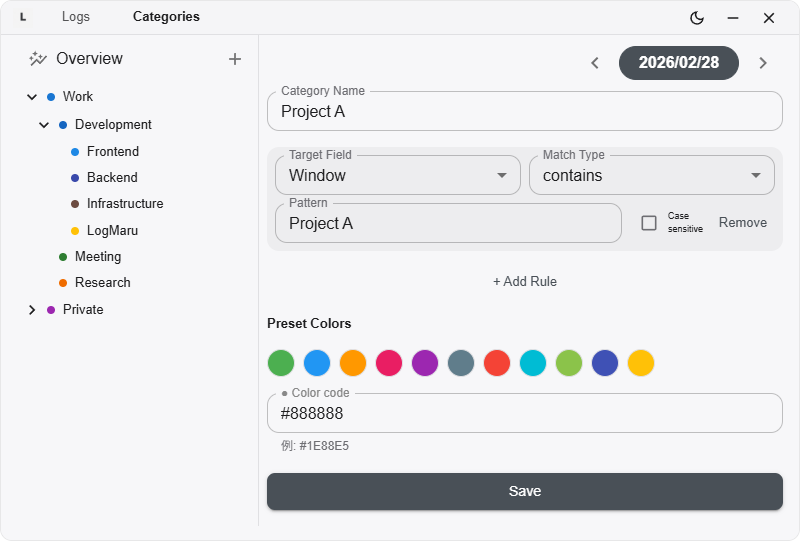
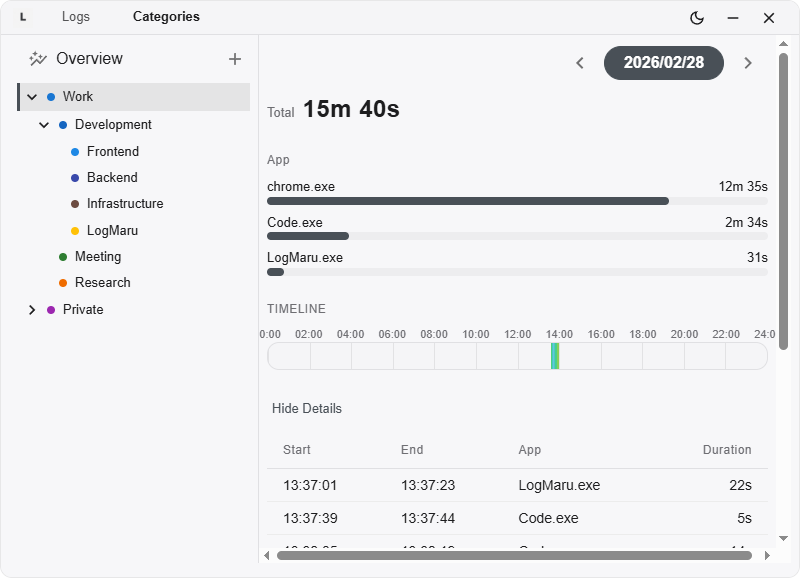
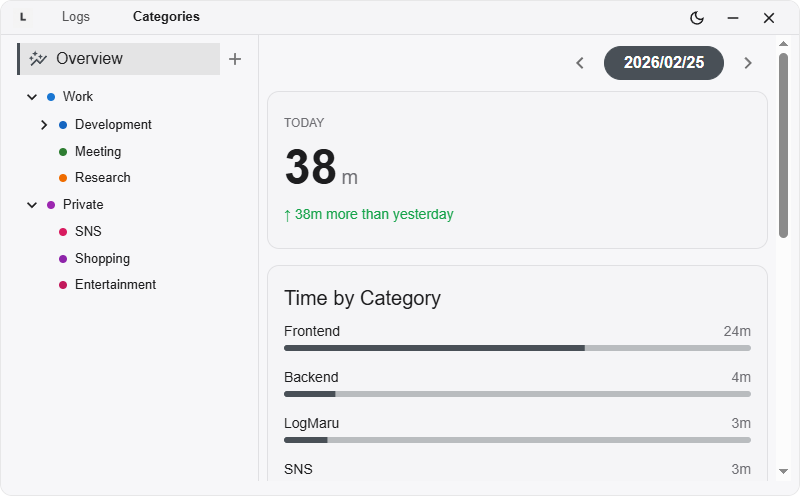
See where your time actually went
Organize apps and activities into categories. Instantly understand how you spent your day.
-
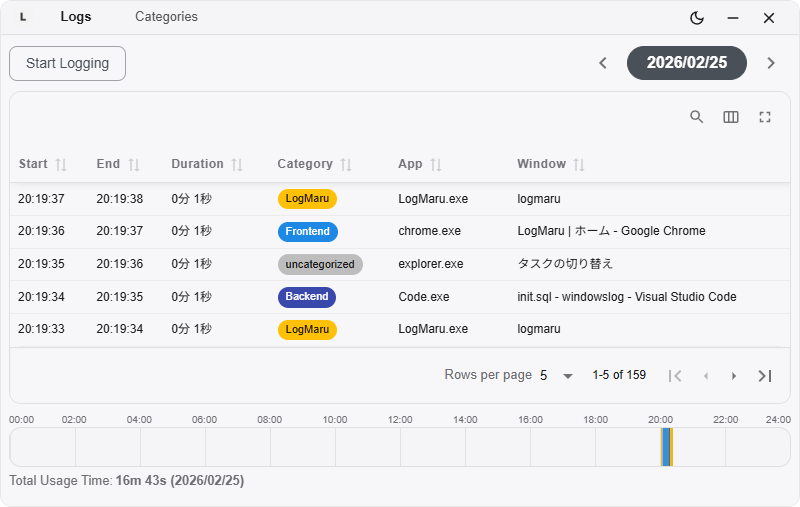
Replay your day as a timeline
View your activity in chronological order. Turn a vague “busy day” into a clear record.